免费开源 · macOS 与 Windows

下载 B 站 视频。

由 Rust + Tauri 构建,轻巧快速。粘贴链接,选择清晰度,下载到本地。
  • macOS · Apple Silicon
  • Windows 10 / 11 · x64
  • 内置 ffmpeg
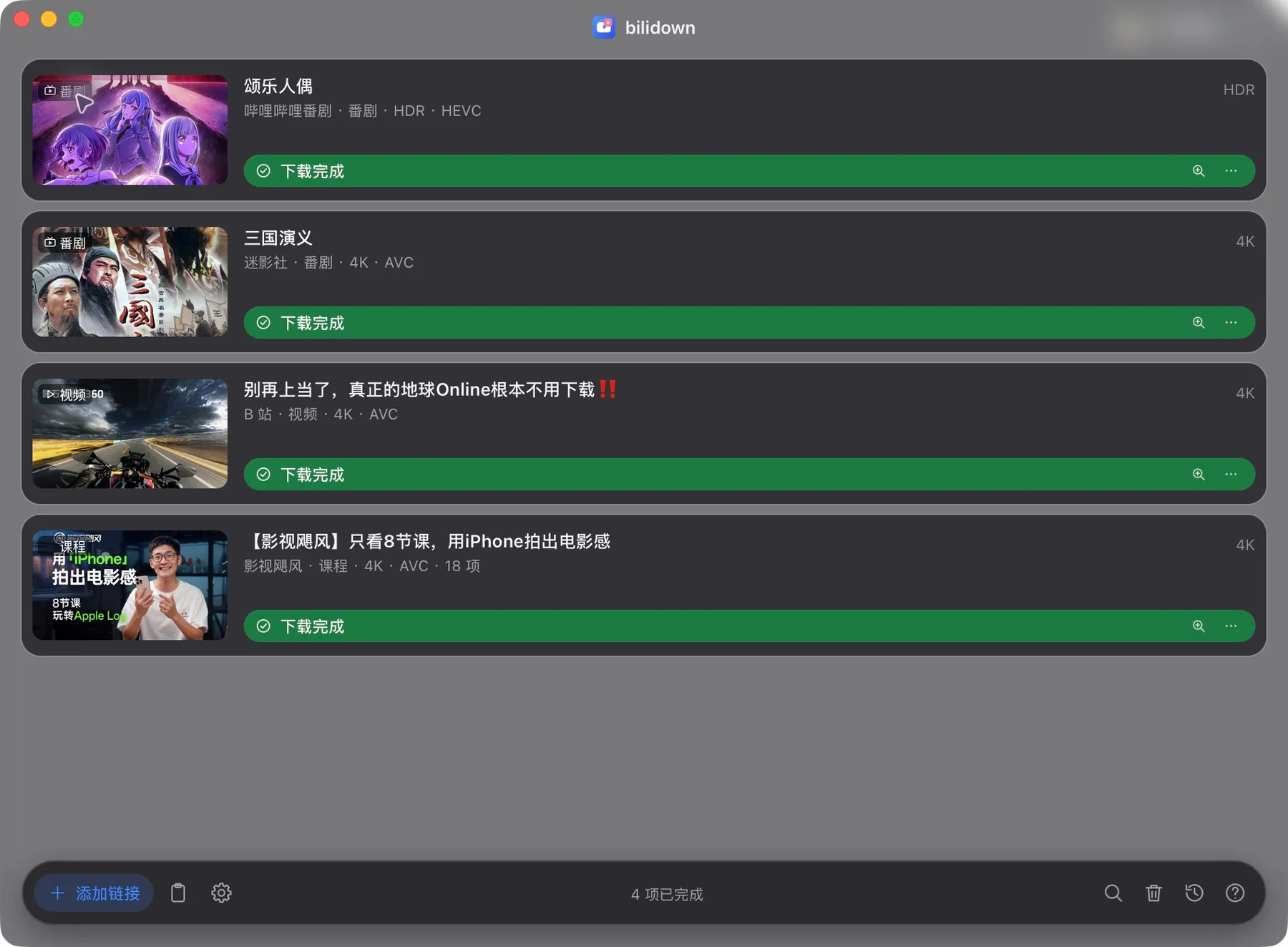
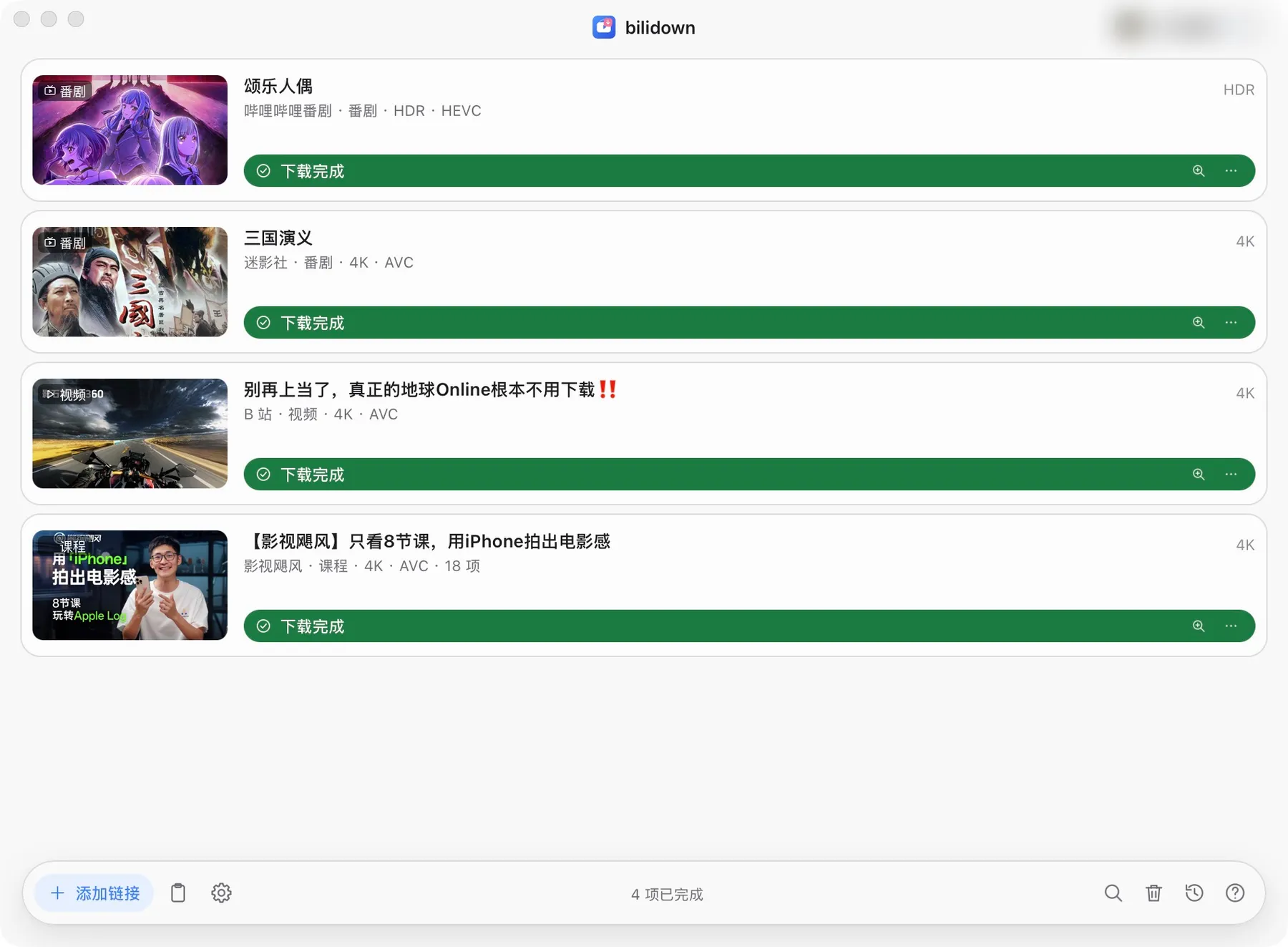
bilidown 当前下载队列,展示番剧、视频和课程的四个已完成任务 bilidown 当前下载队列,展示番剧、视频和课程的四个已完成任务

下载队列 当前版本真实界面

Rust 轻巧、快速
4 类 视频、番剧、课程与音频
1–8 同时下载
本地 任务、历史和 Cookie

主要功能

一个应用,下载 B 站视频

从粘贴链接到保存文件,都在本地完成。

多种内容

视频、番剧、课程、音频和多 P 合集。

批量选择

多条链接、分集和合集可以逐项选择。

清晰度与编码

按账号权限选择画质,支持 AVC、HEVC 和 AV1。

下载队列

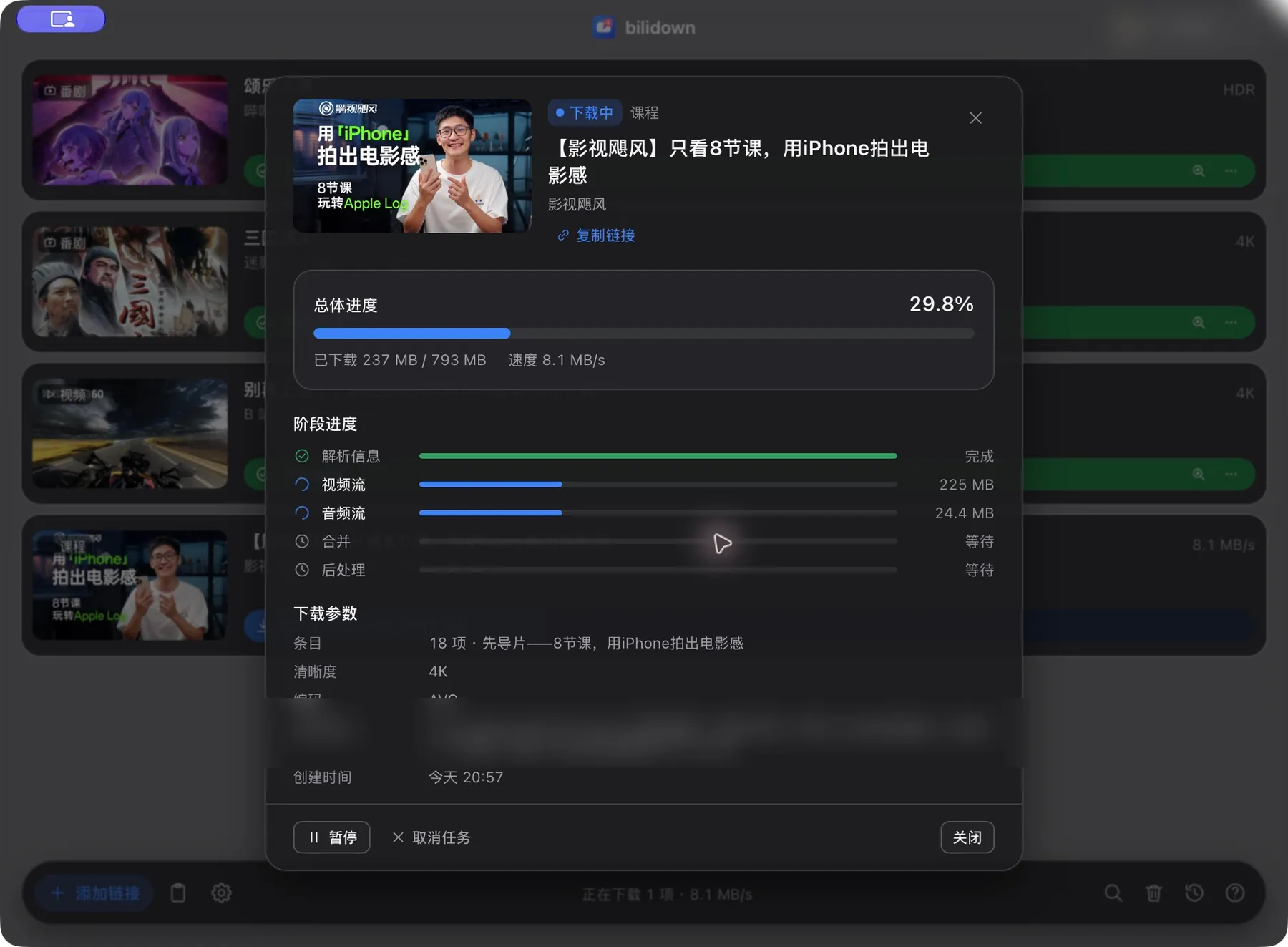
暂停、继续、取消或重试,同时下载 1 到 8 项。

历史与字幕

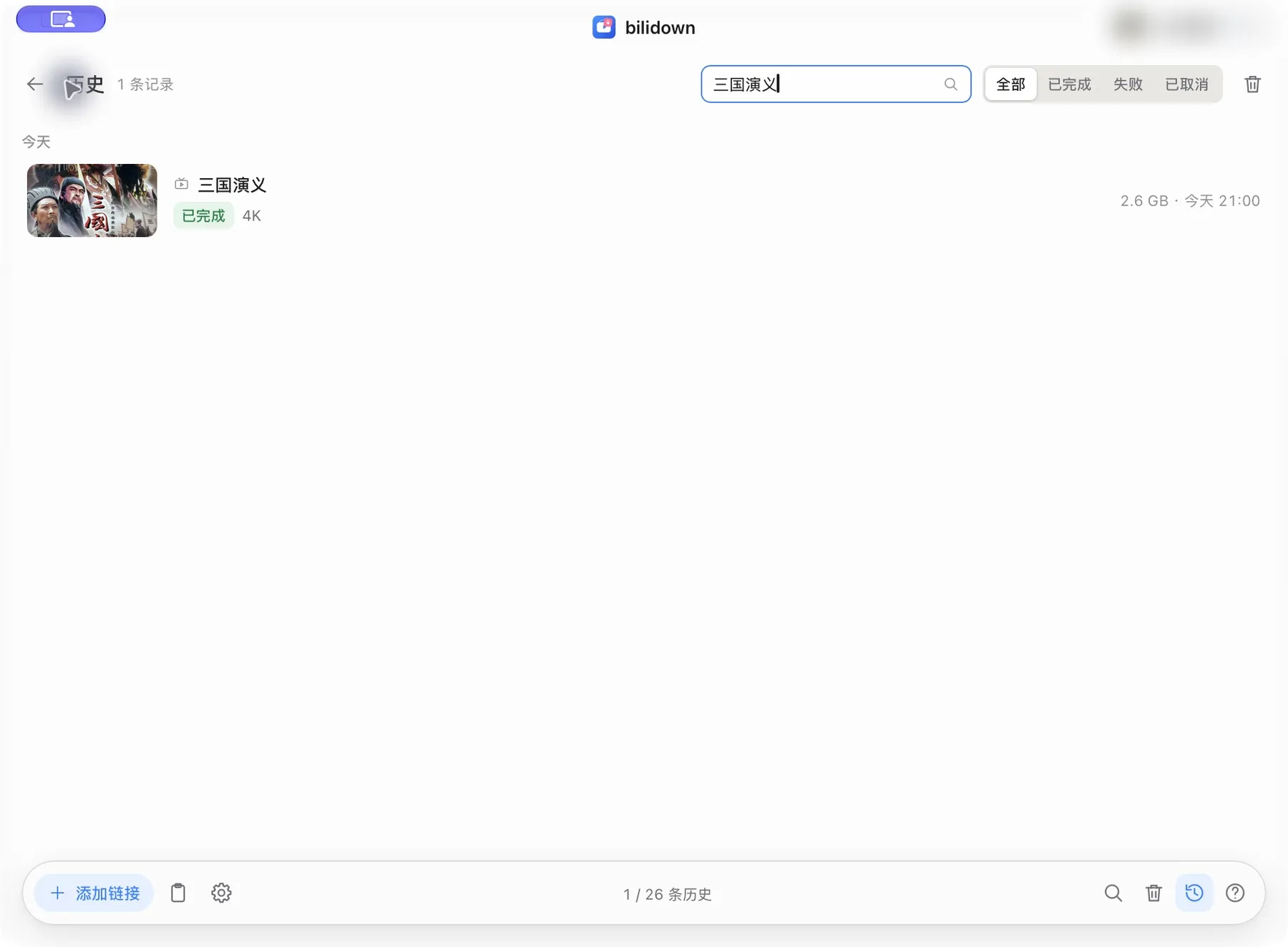
本地保存历史,可选 SRT 字幕和 JPG 封面。

本地优先

扫码登录后 Cookie 仅保存在本机。

当前 v2.3.2 界面

真实应用截图

所有截图都来自当前版本。

截图来自当前版本真实应用;账号名与本地路径已做隐私处理。

三步下载

粘贴、选择、下载

不用配置 ffmpeg,也不用打开命令行。

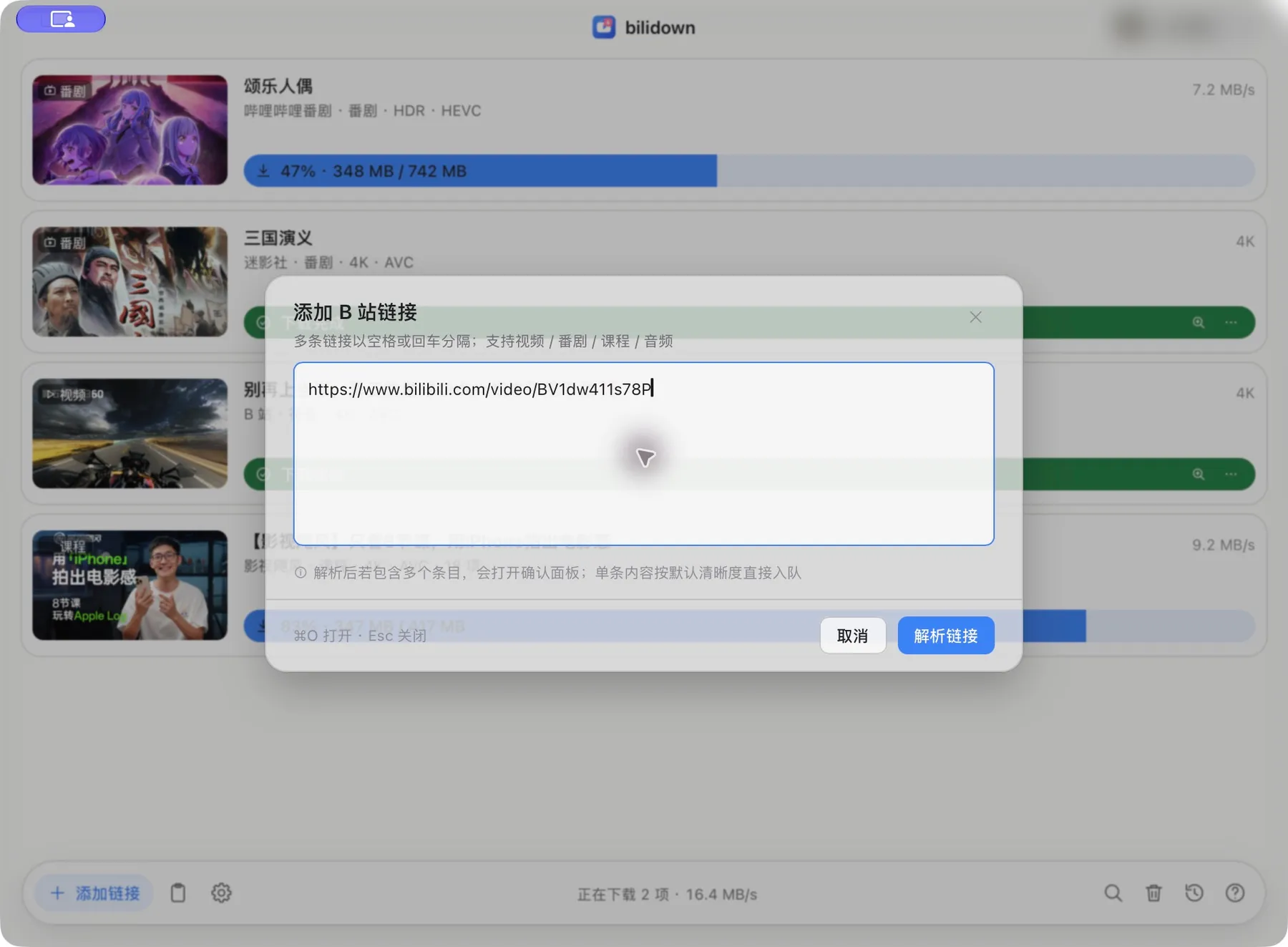
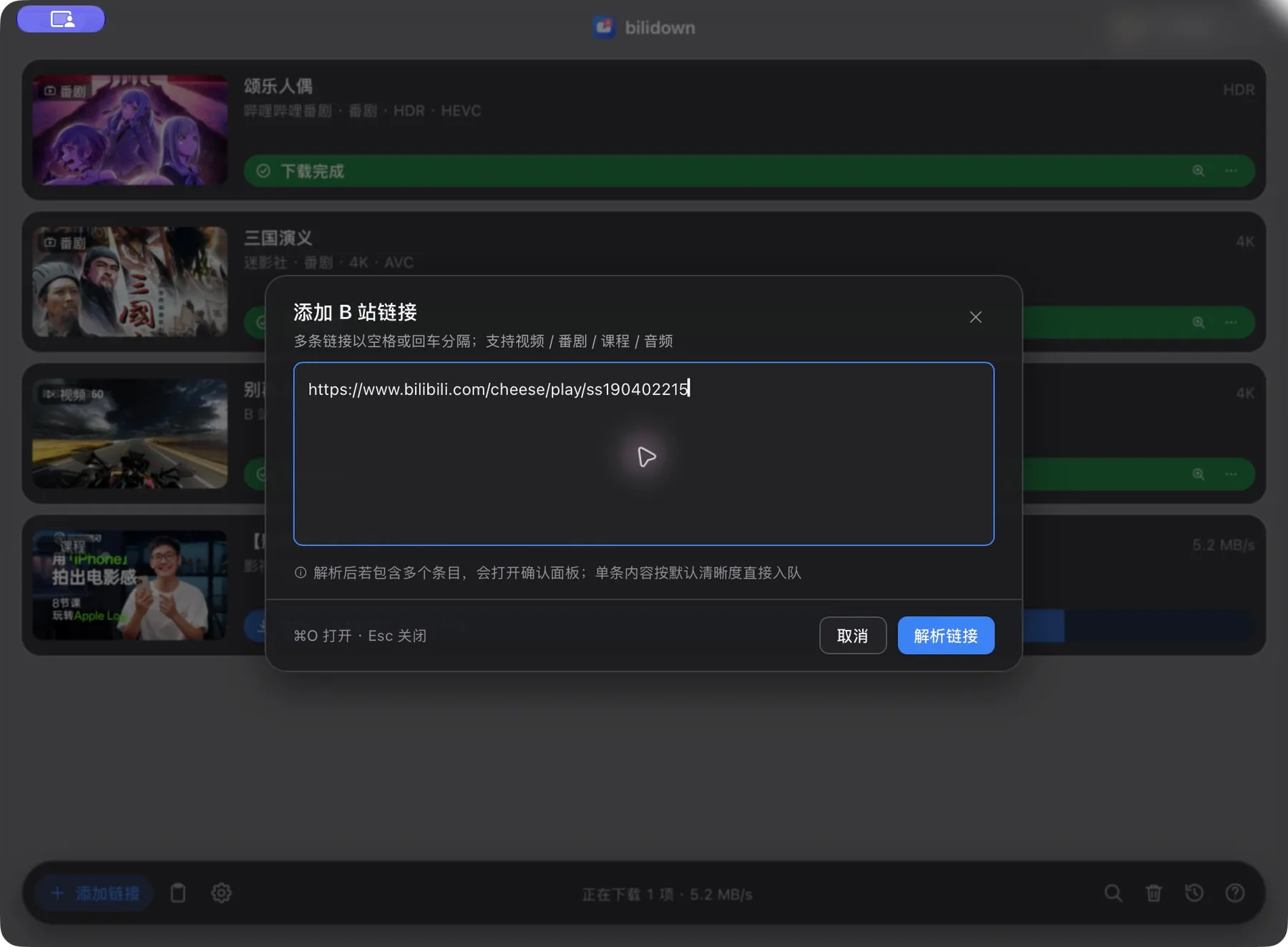
粘贴链接

复制 B 站视频链接。

选清晰度

选择画质和保存位置。

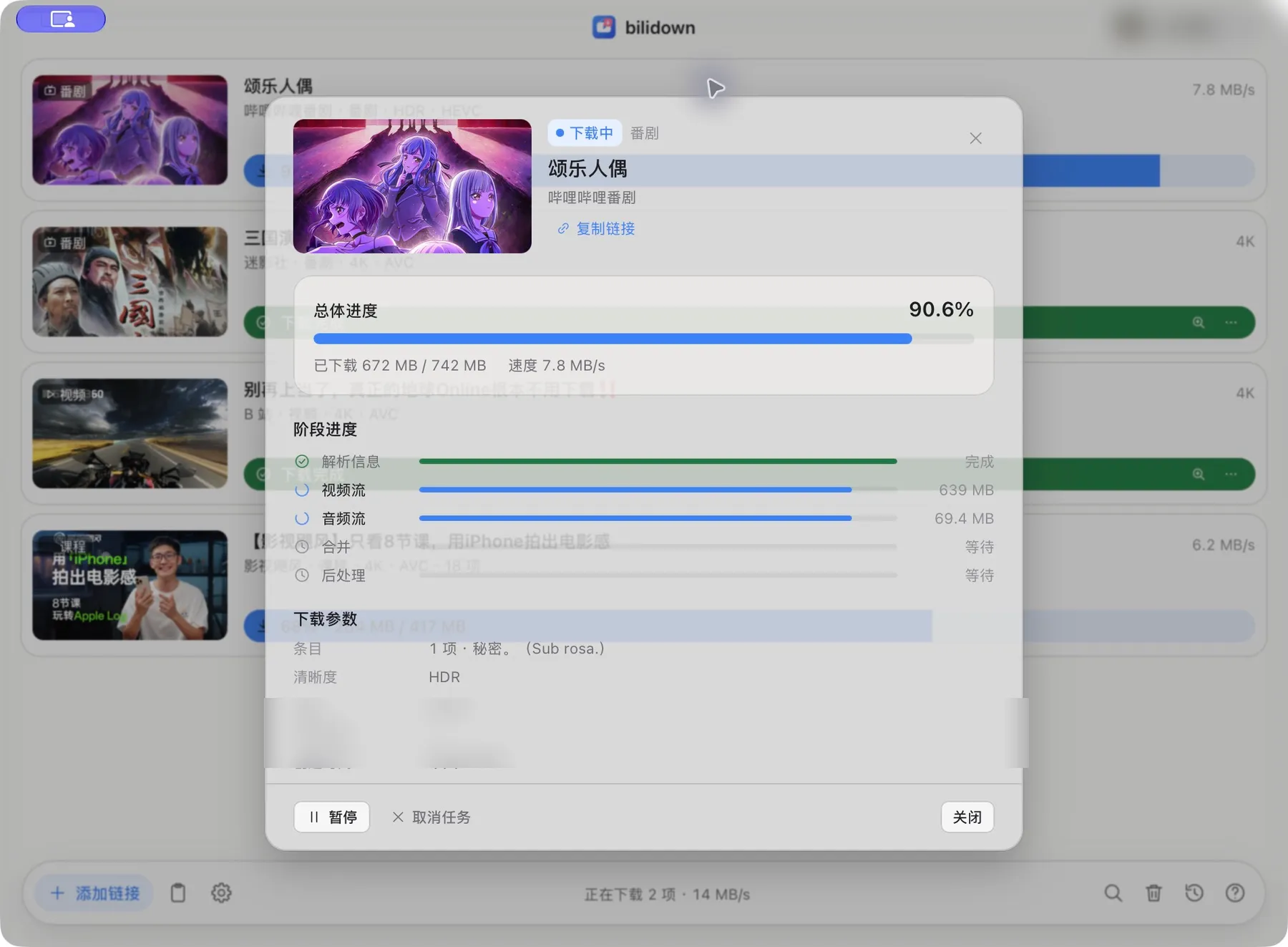
完成下载

在队列里查看进度,完成后打开文件。

本地优先

下载和账号数据都留在本机。

任务、历史、文件、Cookie、缓存和设置保存在本机;只在访问 B 站、代理或 GitHub 时联网。

隐私与边界

开始下载

下载 bilidown

支持 macOS Apple Silicon 与 Windows x64,安装包已内置 ffmpeg。

产品速查 / Product quick reference FAQ · facts · support
01

第一次下载怎么做?

粘贴 B 站链接,选择清晰度,然后在队列中查看进度。

How do I use bilidown?

Paste a Bilibili link, choose a quality and follow the download queue.

02

什么时候需要登录?

只有下载账号权限内的高画质时才需要扫码登录。

When do I need to sign in?

Sign in only for quality available to your Bilibili account.

03

文件保存在哪里?

默认保存在 Downloads/bilidown,可在设置中修改。

Where are downloaded files saved?

Files go to Downloads/bilidown by default and can be moved in Settings.

04

为什么需要校验安装包?

SHA256 校验可以确认文件与 GitHub Release 发布内容一致。

Why should I verify the installer?

SHA256 confirms that the file matches the official GitHub Release.

05

支持哪些平台?

当前支持 macOS Apple Silicon 与 Windows x64。

Which platforms are supported?

The current release supports macOS Apple Silicon and Windows x64.

06

数据保存在哪里?

任务、历史、Cookie 和设置保存在本机。

Where does bilidown store data?

Tasks, history, cookies and settings stay on your device.

产品要点

  • 由 Rust + Tauri 构建,轻巧快速。
  • 支持 macOS Apple Silicon。
  • 支持 Windows x64。
  • 支持视频、番剧、课程与音频。
  • 多 P 与合集可以逐项选择。
  • 安装包已经内置 ffmpeg。
  • 字幕和封面都是可选项。
  • 登录凭据保存在本机。
  • 不是哔哩哔哩官方客户端。
  • 每个 Release 提供 SHA256 校验文件。

Product facts

  • Built with Rust and Tauri for a small, fast app.
  • Supports macOS on Apple Silicon.
  • Supports Windows x64.
  • Supports video, Bangumi, courses and audio.
  • Multi-part videos and collections support item selection.
  • The installer includes ffmpeg.
  • Subtitles and covers are optional.
  • Login credentials stay on this device.
  • It is not an official Bilibili client.
  • Each release provides a SHA256 checksum file.

来源 / Source: bilidown source repository, official GitHub Releases and product privacy policy.